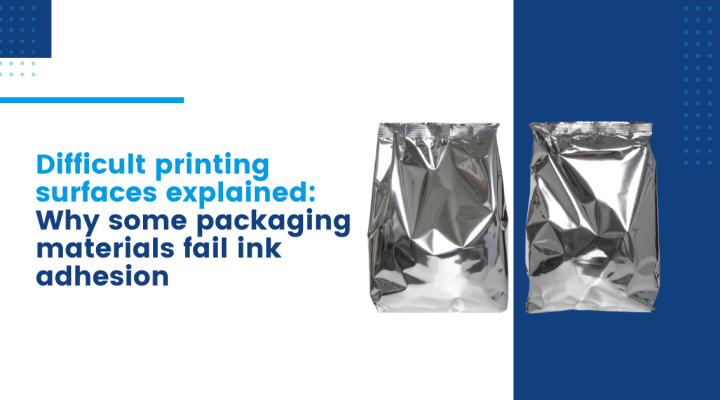
If you’ve ever stood on a production line wondering why a perfectly good coding system is suddenly producing faint, smudged, or inconsistent marks - you’re not alone. In fact, it’s one of the most common frustrations in industrial coding and marking.
And often, the printer isn’t the real problem. The issue is the surface you’re printing on. Some packaging materials behave beautifully. Others… don’t. At all.
Let’s break down why some materials are considered difficult printing surfaces, and why ink adhesion problems show up in places you least expect.
On paper, printing sounds simple: apply ink, it sticks, job done. In reality, packaging materials vary massively, even if they look similar at a glance.
You’re typically dealing with:
Each of these behaves differently when ink hits the surface. And that’s where problems start.
When ink doesn’t adhere properly, it’s usually down to one core issue:
In simple terms, ink needs a surface it can “grab onto”.
Some materials - especially plastic films - are naturally low energy. That means the ink doesn’t spread or bond properly. Instead, it beads, smears, or wipes off far too easily.
This is one of the biggest causes of ink adhesion problems on plastic film, particularly in flexible packaging environments.
You might see:
It’s not always obvious until the product is already moving down the supply chain.
Coated cartons are another common culprit.
They’re designed to look smooth, clean, and premium - but that coating often acts like a barrier between the ink and the material underneath.
This leads to classic printing on coated packaging issues, such as:
In other words, what looks like a high-quality packaging finish can quietly create a low-quality coding result.
Recycled packaging adds another layer of complexity.
Unlike virgin materials, recycled substrates are inconsistent. You’re not dealing with one stable surface - you’re dealing with a mix of fibres, coatings, and absorption rates.
That means:
This unpredictability is one of the biggest headaches for production teams trying to maintain consistent print quality.
Ink that doesn’t stick properly isn’t just a cosmetic issue.
It can lead to:
And once you factor in downtime and waste, the cost adds up quickly - often without anyone noticing until it becomes a pattern.
This is where things get interesting - because the solution is rarely “just change the printer settings”.
Improving performance on difficult printing surfaces usually comes down to a combination of:
In other words, it’s about engineering the system around the material - not forcing the material to behave like something it’s not.
If you’re dealing with difficult printing surfaces, inconsistent codes, or ink that just refuses to behave, it’s rarely bad luck - and it’s usually not just the printer.
It’s a mismatch between material, ink, and process.
And once you understand that, a lot of “random” print problems suddenly start making sense.
If this sounds familiar and you’re constantly fighting ink adhesion problems on plastic film or coated packaging, it might be worth stepping back and looking at the full setup - not just the symptoms.
Because in coding and marking, the surface often tells you more than the machine ever will.
If you’re experiencing ongoing industrial printing problems, it may be time to take a closer look at your setup. Contact us today to discuss your requirements.

A complete solution for all industrial coding and marking equipment.
Industrial Printer Services Copyright 2026 | Created by GEL Studios